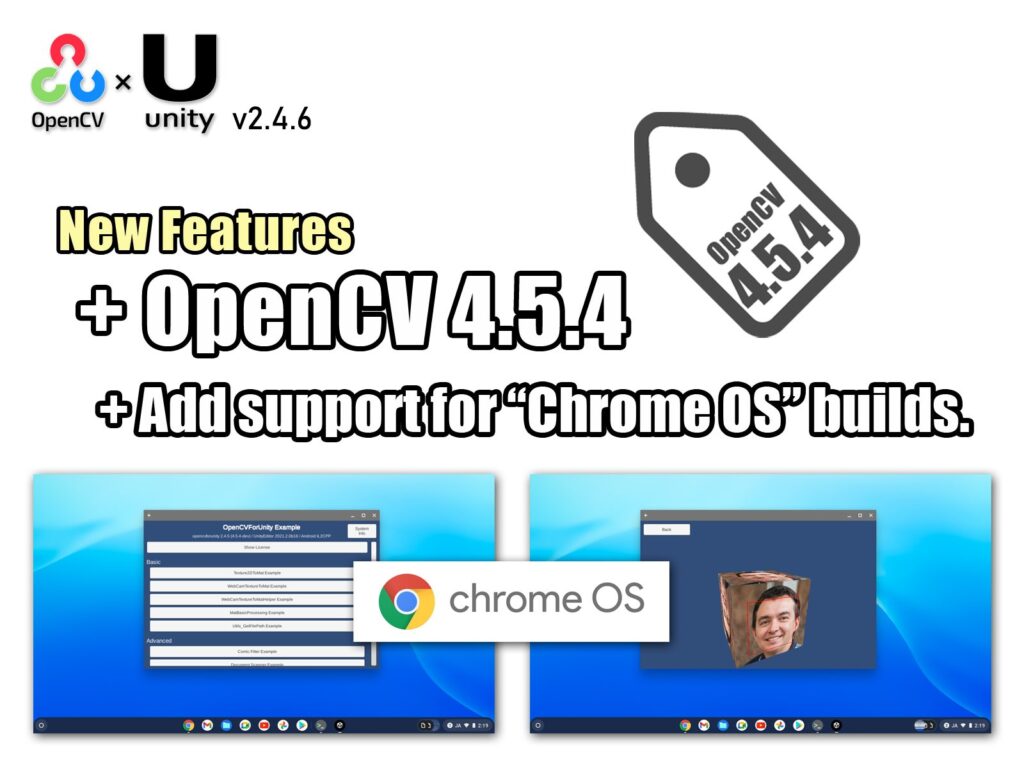
OpenCV for Unity ver2.4.6 Release!
- Author: Enox Software
- Category: Update
- Tags: OpenCV for Unity
Version 2.4.6
[Common]Updated to OpenCV4.5.4. [Android]Added Support for ChromeOS (x86 and x86_64 architectures).
Related posts
Dlib FaceLandmark Detector ver1.2.7 Release!
Version 1.2.7 [WebGL]Added Unity2019.1 or later support.
- Author: Enox Software
- Category: Update
- Tags: Dlib FaceLandmark Detector
Add WebGL platform Supports!
A new target platform has been added to our Unity Asset “OpenCVForUnity” and “DlibFaceLandmarkDetector“. With this update, it is now possible to develop WebGL applications that users can easily play with web browsers. Although it is currently in beta version, it seems that the main functions are working without problems. It works with Unity 5.3 or later. Demo Application Click To Start Development Tips Put a file that you want to use for the Utils.getFilePathAsync() in the “Aseets/StreamingAssets/” folder. In Case of WebGL platform, you need to use the Utils.getFilePathAsync() instead of the Utils.getFilePath(). (The haarcascade_frontalface_alt.xml is for OpenCVForUnityExample’s scenes. Please copy only when necessary) On the WebGL platform (asm.js), the calculation result of Float type may be significantly different from other platforms. When using the OpenCV’s method that use the Mat class (CvType is CV_32F) as an argument, you need to pay attention to the calculation precision. Please try experiencing WebGL development.
- Author: Enox Software
- Category: News
- Tags: OpenCV for Unity
OpenCV for Unity ver2.5.7 Release!
Verson 2.5.7 [Common]Added FeatureMatchingExample. [WebGL]Added a plugin file with threads and simd enabled for the WebGL platform. This update removes support for the WebGL platform in Unity 2021.1 and below. (Select MenuItem[Tools/OpenCV for Unity/Open Setup Tools/WebGL Settings])
- Author: Enox Software
- Category: Update
- Tags: OpenCV for Unity